btv99 LoginBack to the floor
Sign in with the mobile number on your account and your password. The session is encrypted end to end, and your wallet, bonus progress and open bets are waiting where you left them.
Secure sign-in
Three Ways Into Your btv99 Account
One account, three doors. The mobile number you keyed in at registration is the default key, the App keeps you signed in on Android, and a username works if you set one. Pick whichever matches the device in your hand; the wallet behind it is the same.
| Route | Works on | What you need | Watch out for |
|---|---|---|---|
| Mobile number + password | Browser on phone, tablet or desktop | The Malaysian number registered on the account | Numbers must match exactly; no spaces, no old SIM. |
| Username + password | Browser and App | Username chosen during sign-up, same password | Only exists if you created one; otherwise use the number. |
| Saved session in the btv99 App | Android devices, app version 3.2.10 | App installed, first login completed once | Updates and password changes will ask you again. |
Nothing here changes your balance. Deposits, cashback and VIP turnover follow the account, not the device, so switching between a laptop at home and a phone on the LRT costs you nothing. New players should start on the registration page, and anyone who prefers tapping rather than typing can read the App and APK guide first.
Four Moves to a Live Session
-
1
Open the real login page
Use the Login link in the top menu, or type btv99.mobi into the address bar yourself. Bookmark it once and you skip the look-alike sites that crowd search results for login keywords.
-
2
Key in your mobile number
Enter the number tied to your account, with no spaces or dashes. If autofill drops in an old number saved from another site, clear the field and type it again so the request hits the right profile.
-
3
Add the password, then check it
Passwords are case-sensitive, so glance at the caps lock light if the page keeps rejecting you. Tap the eye icon to read what you typed, then leave Remember this device off on any phone that is not yours.
-
4
Land in the lobby and pick your table
A correct pair opens your wallet and the game lobby together. Balance, bonus progress and any open bet show straight away, and the casino floor is one tap from the home screen.
When btv99 Login Stalls: A Fix-It Table
Most failed sign-ins come down to a typo, a stale page or a slow line. Work down this table before you open a chat; it covers the six situations players report most.
| What you see | Why it happens | What to do |
|---|---|---|
| “Wrong mobile number or password” on the first try | A typo, a stray space, or autofill pulling a saved number from another site. | Retype both fields by hand. Use the eye icon to confirm the password, and check the number matches the one you registered with. |
| The Log In button spins and nothing follows | Weak mobile data, a dropped wifi handoff, or an old cached copy of the page. | Reload the page, switch between wifi and data, then try again. Clearing the browser cache fixes the repeat offenders. |
| Several failed tries, now the account will not respond | Repeated wrong passwords trigger a short cooldown as a safety measure. | Stop retrying. Reset through the Forgot password link, or ask 24/7 Live Chat to clear the lock after they verify you. |
| The reset code or login OTP never lands | SMS filtered by the phone, a Do Not Disturb profile, telco delay, or a number that changed hands. | Give it a minute, toggle airplane mode on and off, then request once more. Still nothing? Live Chat can verify you another way. |
| Signed in, but the balance reads RM0.00 | A deposit still pending, a second account opened by mistake, or the bonus wallet view is showing. | Check deposit history for the transaction reference, refresh the lobby, and keep that reference ready if you contact support. |
| Logged out every few taps | Cookies blocked, private browsing mode, or the same account open on too many devices. | Allow cookies for btv99.mobi, leave private mode, and close sessions on phones you no longer use. |
Keeping the Keys to Your Account Yours
-
Give btv99 its own password
A password you also use for email or online banking turns one leak into two problems. Build something long and memorable that exists only for this account, and change it the moment a friend or family member has seen it.
-
Think before you tick Remember this device
It is convenient on your own phone and a bad idea on a shared one. If you ticked it on a device you no longer control, log in elsewhere, end that session, and change the password so the saved login dies with it.
-
Never pass on a login code
No member of staff needs your OTP or password to help you. Anyone who asks for either is after the account, whether they reach you by call, SMS or a group chat that looks official.
-
Log out on borrowed phones
Signing in at a friend’s place, a cybercafe or a hotel lobby is fine. Ending the session is the part people forget, and an open tab is a working key for whoever picks the phone up next.
-
Start from an address you trust
Type btv99.mobi yourself or use your own bookmark. Links pasted into random WhatsApp groups can lead to a copy of the page built to collect your password, so check the address bar before you key anything in.
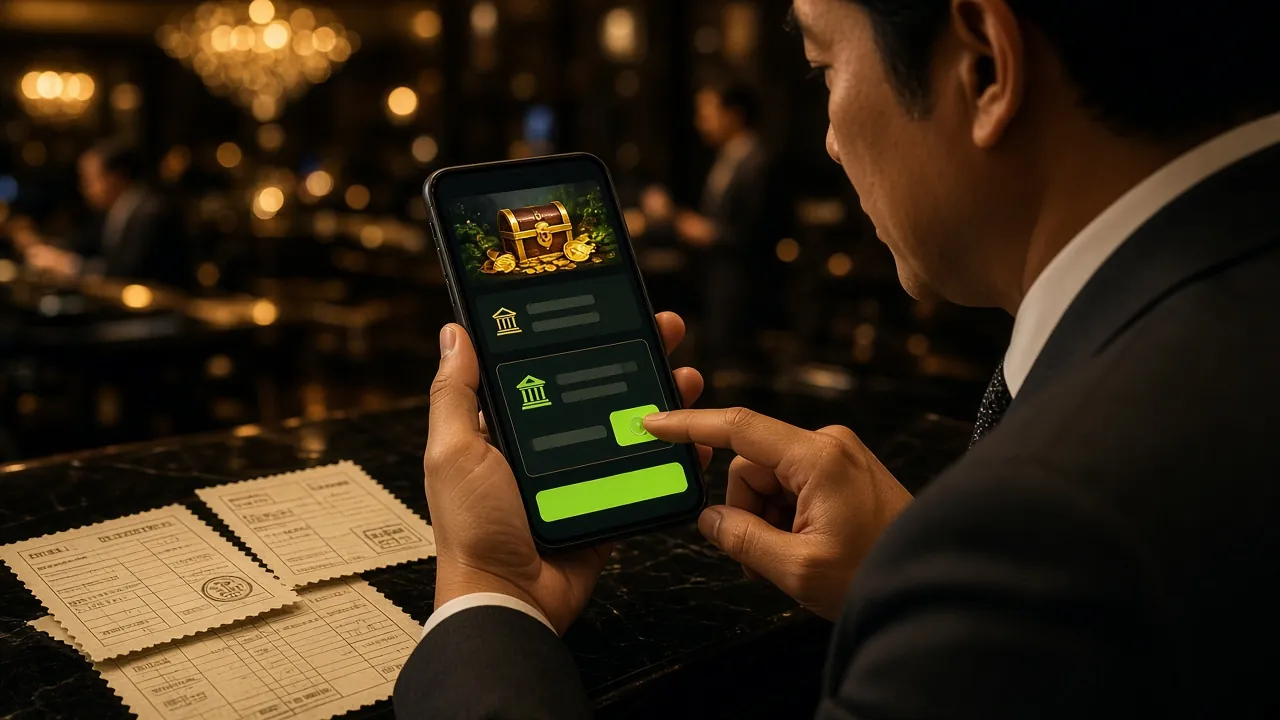
Signing in takes seconds; keeping the account clean is the habit that matters.
Locked Out? Resetting a Forgotten Password
A forgotten password is recoverable on your own, no call needed. The whole loop runs through the mobile number on file, so keep that SIM in reach before you start.
-
1
Tap Forgot password
The link sits beside the Remember this device checkbox on the sign-in panel above. It opens the recovery form, which needs only your registered mobile number.
-
2
Confirm the code sent by SMS
Key in the one-time code that arrives on that number. It expires quickly, so enter it while the message is still fresh, and do not forward it to anyone, including people claiming to be support.
-
3
Set a new password and sign in
Choose something you have not used elsewhere, save it in a password manager if you use one, then return to the form and log in. Your balance and bonus progress stay exactly as they were.
If the SIM is gone for good, Live Chat is the route. Have your ID document ready, since the team verifies identity before moving an account to a new number.
Login Questions We Hear on Match Nights
Jump to a question
- Logging in on a new phone
- Old number, no access
- Password rejected twice
- Staying signed in on the App
- Shared wifi at a cafe
- Bonus progress across devices
Still stuck? Open 24/7 Live Chat from any page and describe what you see on screen.
How do I log in to btv99 on a phone I just bought?
My old number is gone. Can I still get back into the account?
Why is my password rejected when I know it is right?
Does the App keep me signed in between sessions?
Is it risky to sign in on cafe wifi?
What happens to my bonus progress if I switch devices?
On the move most of the day? Install the btv99 App once, sign in on the phone, and skip the browser entirely.
Get the App